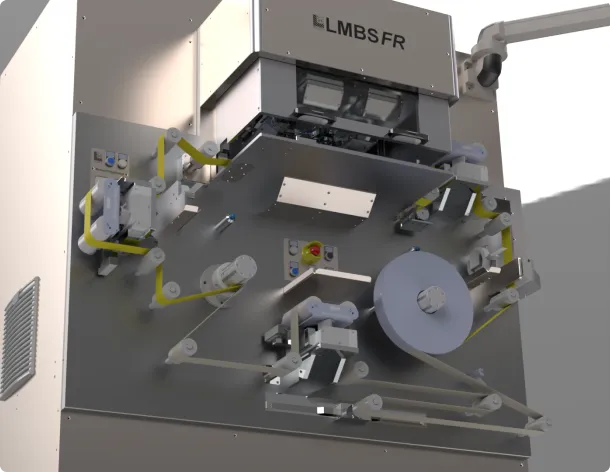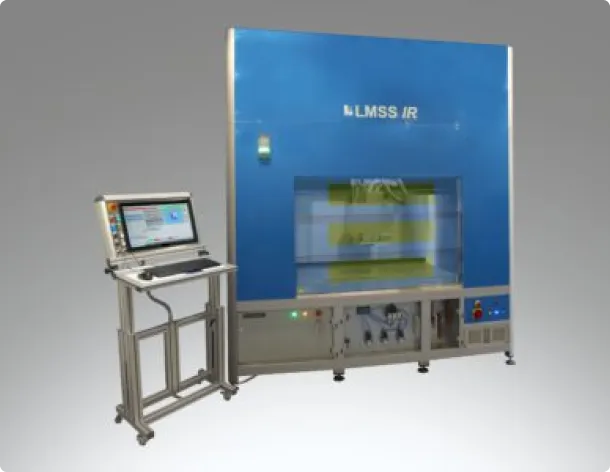


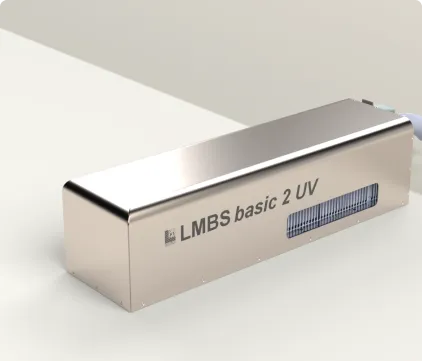
The laser system has been developed for the versatile processing of various materials such as metal, ceramics and plastics. It is suitable for applications including marking, engraving, temper colouring on stainless steel, dark lettering on aluminium, cutting thin sheets, minor welding work, as well as surface texturing and cleaning. Our benchtop units are compact, flexible all-in-one solutions for use in laboratory environments. They are characterised by their portability, space-saving design and versatility, making them ideal for applications in research and development.
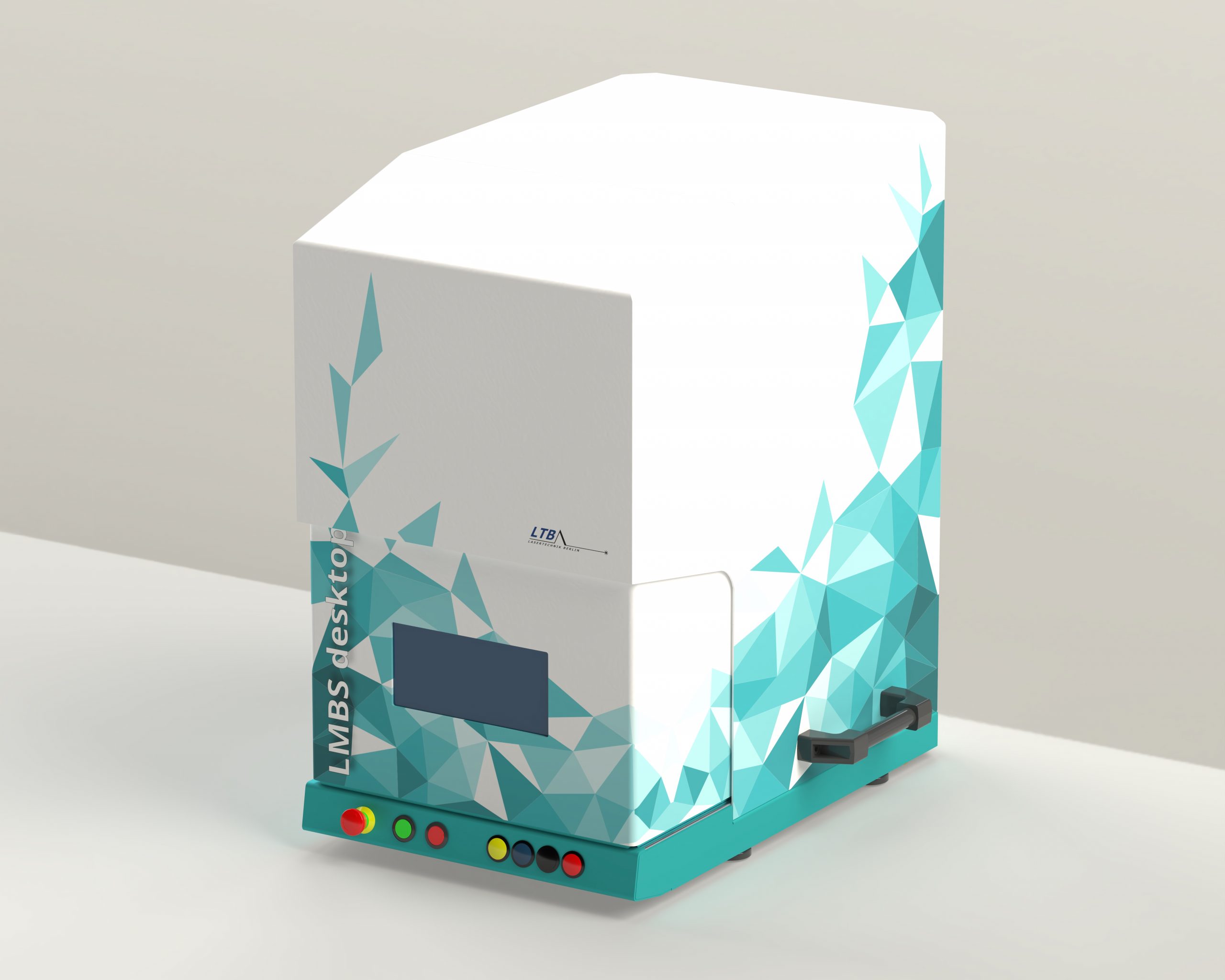
| Product / description | LMBS Desktop: Compact laser marking system controlled via laptop |
| Housing | 650 x 405 x 705 mm, Laser safety class 1 |
| Work Area | 270 x 150 x 150 mm |
| Scan Field | 110 x 110 mm (Galvoscanner) |
| Lighting | A well-lit and clearly visible work area |
| Operation | Laptop, Start/Stop-buttons on the device |
| Extraction | Connection to the work area via a hose system |
| Safety | Monitoring of safety-critical components (safety control system, laser shutter) |
| Compliance | CE marking, laser safety class 1 in accordance with DIN EN 60825-1 |
| Fokus | Precise focus adjustment with a 200 mm Z-axis |
| Axis operation | All axes can be programmed via the software |
| Cabin door | Automatic, motorised cabin door with laser safety window |
| Safety | Hand protection against pinching when closing the door |
| Laser | Fiber laser: 1064 nm, 20 W, min. 1 mJ, 2–500 ns, 30-4000 kHz |
| Cooling | Air |
| Optics | Galvanometer system: For fast and precise marking operations; F-theta optics: Optimised focusing |
| Work area observation | Live monitoring of the laser marking area |
| Camera image | Camera image in the programming environment for easy part alignment |
| Focus adjustment | Precise height adjustment using a pilot laser and camera |
| Software title / description | multiCAM 3: Control of jobs/receipts and machine hardware |
| Languages | German, English, Spanish, French, others on request |
| Campatibility | Short set-up times for different formats |
| Operation | Selecting various functions from an integrated library or creating functions manually |
| Manual | German, English |
| Training | On site or at the factory in Berlin (duration: 1 day) |
| Component alignment | Mechanical stop for precise component positioning |
| Communication | External I/O interfaces for control |
| Options | Fibre lasers up to 60 W, UV DPSS laser, control and monitoring of extraction capacity, image recognition, rotary devices and other material handling options, desktop software for job preparation at the office workstation, on-site commissioning, and much more. |
| Feature | Description |
|---|---|
| Documentation | User manual, software guide, circuit diagram and other documents |
| Galvanometer Scanner | Aperture 10, low drift, high accuracy Maximum processing speed approx. 2 m/s Calibrated scanning field |
| z-Axis | 1 Linear axis system: Stepper motor, with ball screw, holding brake Z-axis 220 mm Maximum speed 50 mm/s |
| Laptop | Screen size > 14 inches Processor (at least i3) SSD hard drive RAM: at least 8 GB Network port for machine connection Operating system: Windows 11 Professional Pre-installed and configured for your system |
| Suction connection | NW50 connection Internally routed extraction hose at the workstation (external control and monitoring of the external extraction system available as an option) |
| Control software | multiCAM 3.8 • Windows user and programming interface LMBS multiCAM 3.8 • Entire workspace as programming interface • Programmable laser parameters and parameter sets • Creation of graphic elements such as circles, lines, polylines, rectangles, ellipses, Bézier curves, etc. • Variable rotation, stretching, compression and chamfering of design elements • Transfer of data from networks • Product database • Integration of external graphics such as HPGL, DXF, BMP, TIFF, JPEG, PNG, GIF • Importing of STEP files, viewing of files and editing on the machine • Programming of any process steps as a closed job • Programmable machine parameters • Process interruption for intermediate settings • Image recognition with automatic positioning • Measurement and various analysis functions • Control of an extraction system • Text labelling in any direction, circular and adaptable to any geometric shape • Programmable filling routines • Use and creation of all TrueType fonts under Windows, as well as integrated vector fonts • Counters, serial number function, integration of system data such as date, time, etc. • Import of Word and Excel spreadsheets for sequential or static text generation • Programmable matrix function for serial numbers and text • Special character font, e.g. for CE marks etc., expandable by the user • Automatic generation of 1D and 2D barcodes • Readback via camera system possible |